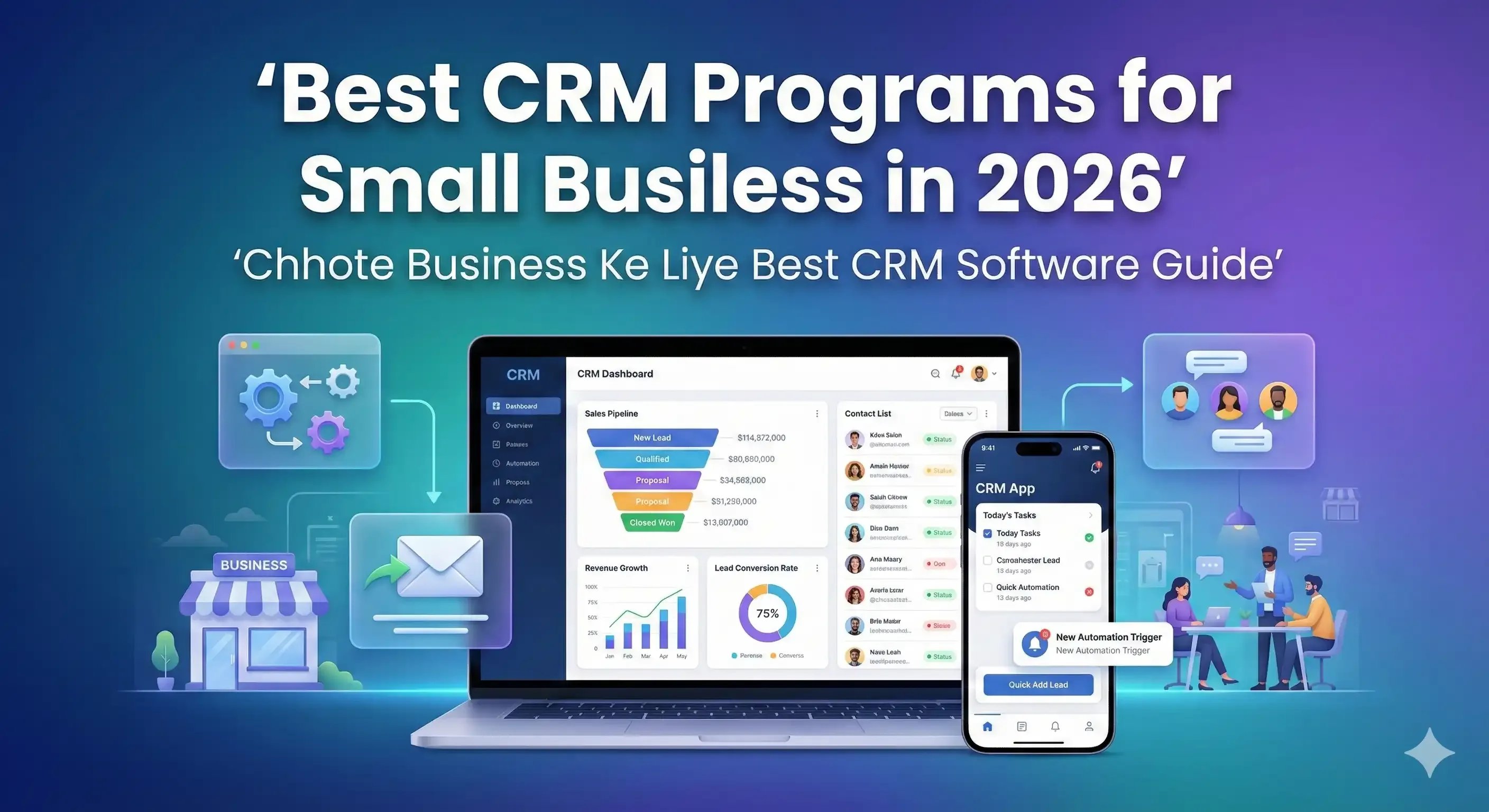
Best CRM Programs for Small Business in 2026
Published:03-12-2025
•CRMJIO
5 min read
•Updated:19-02-2026
Compare top CRM programs for small business. Find customer relationship management software with affordable pricing and features built for your teams.
FAQ List
Q: What is the best CRM for a small business?
A: CRMJIO offers the best overall value for small businesses needing affordable pricing and essential features without complexity. HubSpot CRM is best if you need a completely free option. Pipedrive works well for sales-focused teams, while Zoho CRM suits businesses needing heavy customization. The "best" choice depends on your budget, team size, and whether you prioritize simplicity or advanced features.
Q: Is there free CRM software that works well for small businesses?
A: Yes. HubSpot CRM offers a permanent free plan with unlimited contacts, basic pipeline management, and email tracking—no credit card required. Zoho CRM and Freshsales also provide free plans for up to 3 users. These free options work well for startups and solo entrepreneurs but lack automation and advanced reporting. Most businesses outgrow free plans within 6–12 months as they scale.
Q: How much does CRM software for small business cost?
A: Free plans exist, but most small businesses pay $10–$50 per user monthly for paid CRM software. Budget options like CRMJIO start around $10–$20/user, mid-range platforms cost $25–$35/user, and premium plans run $40–$50/user. For a 5-person team, expect total monthly costs between $50–$250. The investment typically pays for itself through time savings and increased sales within the first month.
Q: What's the difference between CRM software and contact management?
A: Contact management simply stores names, emails, and phone numbers—like a digital address book. CRM software goes much further by tracking sales pipelines, automating follow-ups, logging communication history, managing tasks, and providing sales analytics. Think of contact management as storing information, while CRM actively helps you build relationships and close deals. Most modern CRM platforms include contact management as one feature among many.
Q: Do I need CRM software if I only have 5 employees?
A: Yes, even small teams benefit significantly from CRM. With 5 employees, customer information gets scattered across personal inboxes and notebooks quickly. CRM ensures everyone sees the same customer history and knows who's handling which follow-ups. Small teams using CRM report 25–30% more closed deals because nothing falls through the cracks. Free or low-cost options like HubSpot or CRMJIO work perfectly for teams your size.
Q: Can small business CRM integrate with email and calendar?
A: Yes, most modern CRM platforms integrate directly with Gmail, Outlook, Google Calendar, and Apple Calendar. You can send emails from inside the CRM, and they're automatically logged to customer records. Calendar integrations sync meetings and appointments both ways. Some CRMs like Freshsales even include built-in email and calling features, eliminating the need for separate tools entirely.
Q: What is the easiest CRM software for beginners?
A: HubSpot CRM and CRMJIO are the easiest for beginners, with intuitive interfaces requiring minimal training. Pipedrive also ranks high for simplicity with its visual drag-and-drop pipeline. These platforms let new users add contacts, create deals, and set reminders within minutes—no technical skills needed. Most offer video tutorials and live chat support to help you get started quickly
Q: How long does it take to implement CRM for a small business?
A: Basic setup takes 1–3 hours: import contacts, customize your sales pipeline, and configure email integration. Training your team requires another 2–4 hours of hands-on practice. Most small businesses are fully operational within one day. Cloud-based CRM software requires no installation, so you can start immediately after signing up. Plan one full workday for setup and training to ensure smooth adoption.
If You Have Any Question?. Let's Contact With Us.
Fill out the form below and I'll get back to you as soon as possible.