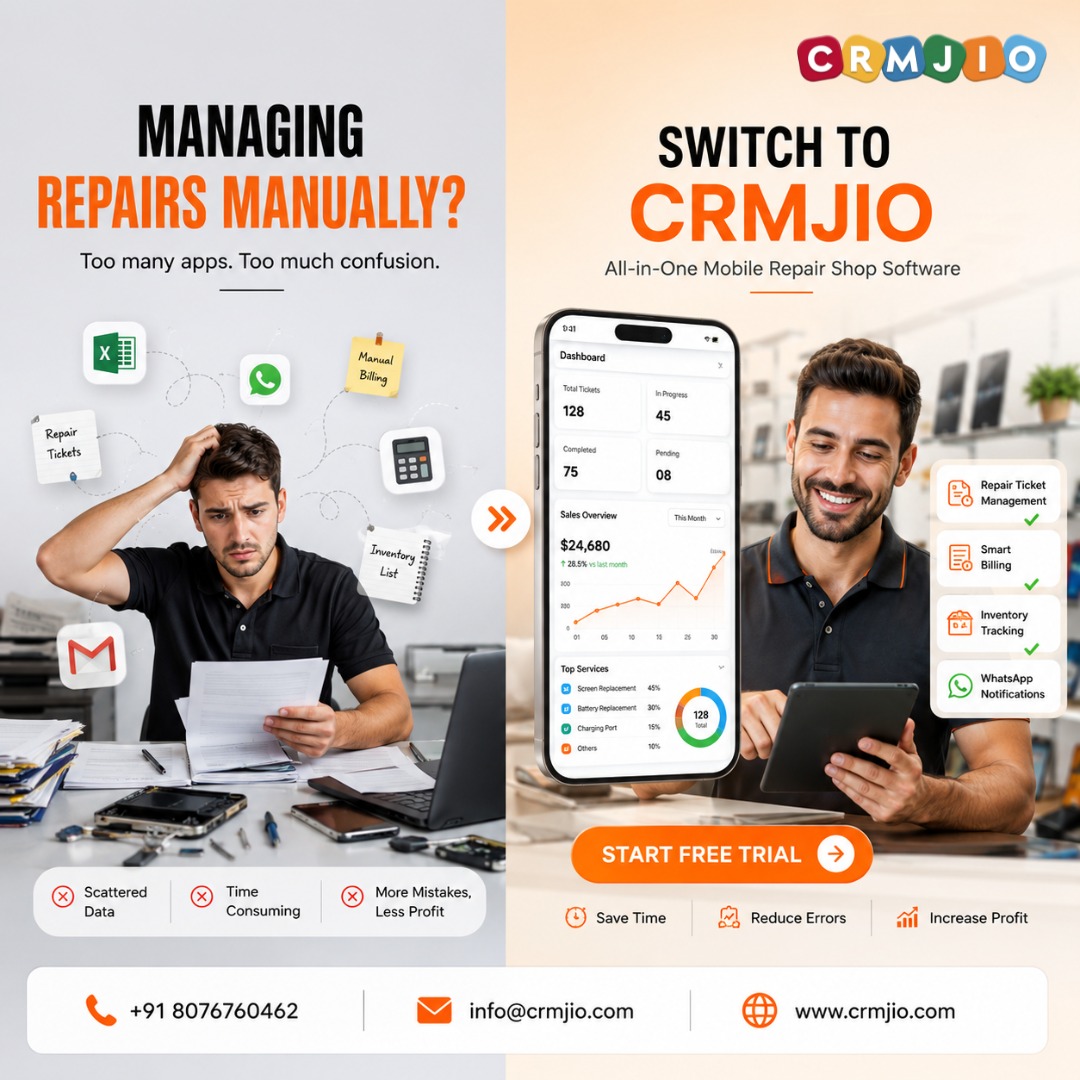
Repair Shop Inventory Management Software: The Complete Guide for US & Canadian Shops (2026)
Published:08-05-2026
•CRMJIO
9 min read
•Updated:17-07-2026
#repair shop software#electronics repair#canada#small business usa+4 more
Running a repair shop in the US or Canada? Stop losing money to inventory chaos. This guide covers everything you need to know about repair shop inventory management software — from must-have features and ROI breakdown to a step-by-step migration plan. Built for phone repair, laptop repair, and electronics service centers.
FAQ List
Q: What is repair shop inventory management software?
A: Repair shop inventory management software is a tool built specifically for phone repair, laptop repair, and electronics service shops to track parts, manage stock levels, auto-deduct parts used in repairs, and generate purchase orders — all linked to job tickets and customer billing in one platform.
Q: Can this software handle both USD and CAD currencies?
A: Yes. CRMJIO supports both USD and CAD billing natively, including automatic US state sales tax and Canadian GST/HST/PST configuration. You don't need any additional plugins or manual setup.
Q: How long does it take to set up?
A: Most repair shops are fully up and running within 24–48 hours. CRMJIO includes free data migration — our team imports your existing parts list, customer records, and job history from your old system at no charge.
Q: Does it work for multi-location repair shops?
A: Absolutely. CRMJIO supports multiple branch locations under a single account. You can view and manage inventory across all locations from one dashboard, transfer stock between branches, and run location-specific reports.
Q: Is there a free trial?
A: Yes. CRMJIO offers a free trial with full access to all features including inventory management, job tickets, billing, and customer notifications. No credit card required to start.
Q: What repair shop types is this built for?
A: CRMJIO is built for mobile phone repair shops, laptop and computer repair shops, tablet repair centers, and multi-device electronics service centers — whether you're a solo technician or a multi-branch operation.
If You Have Any Question?. Let's Contact With Us.
Fill out the form below and I'll get back to you as soon as possible.