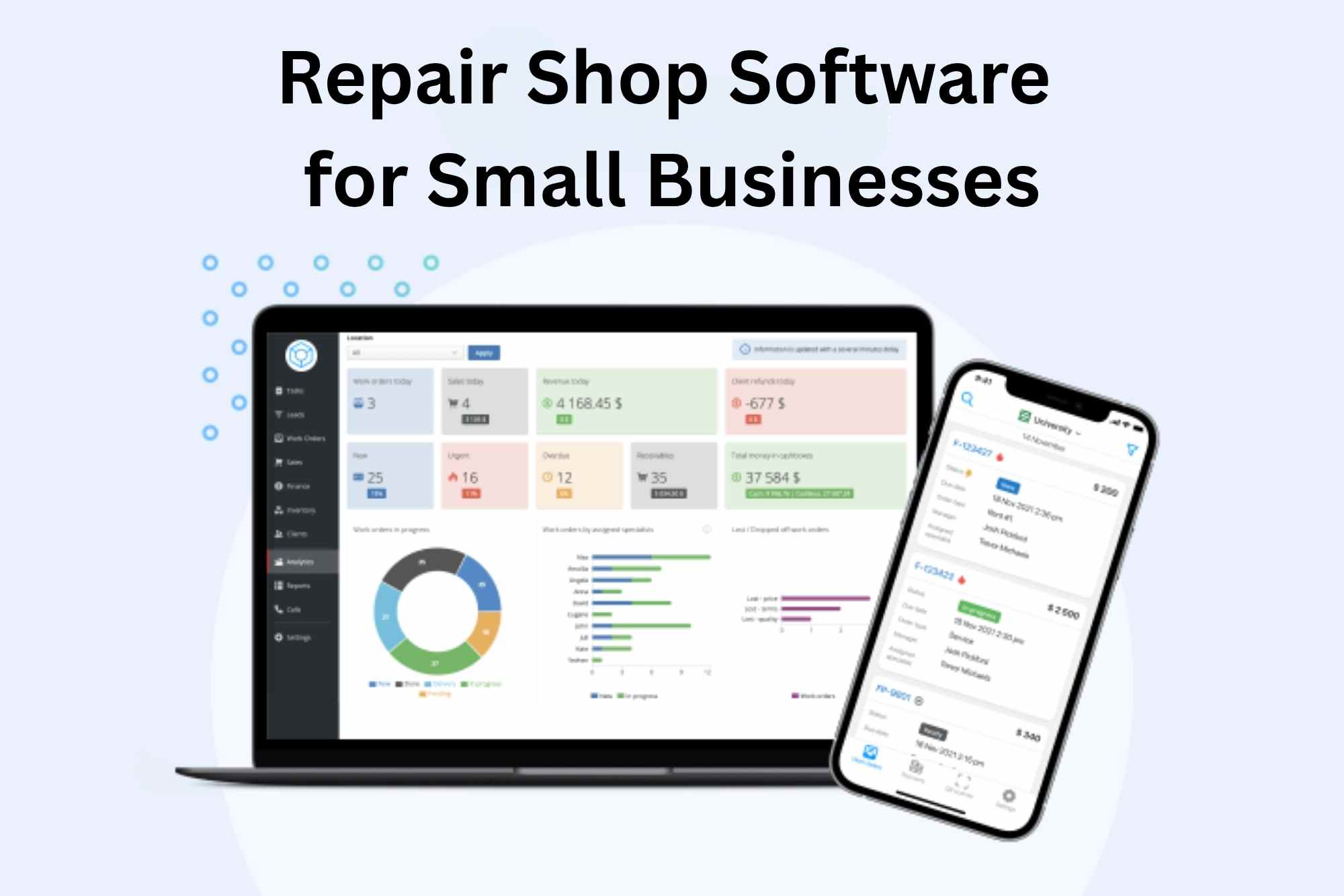
Repair Shop Software for Small Businesses
Published:24-10-2025
•CRMJIO
5 min read
•Updated:24-10-2025
#repair shop software for small business#crmjio
Discover the best repair shop software for small businesses. Compare free and paid options for automotive, mobile, and computer repair shops.
FAQ List
Q: What is the best repair shop software for small businesses?
A: The best repair shop software depends on your needs. Popular options include Shopmonkey, Tekmetric, and AutoLeap, which offer comprehensive features like scheduling, inventory management, and invoicing. Free tools like CAR and Repero are great for smaller businesses.
Q: Can I get free repair shop software for my business?
A: Yes, there are several free repair shop software options available, such as Complete Auto Reports (CAR) and Repero. These tools offer basic features for managing work orders, inventory, and customer records, but paid versions provide more advanced capabilities.
Q: How does repair shop software help with inventory management?
A: Repair shop software helps track inventory in real-time, alerting you when parts are running low or need reordering. It also keeps records of stock usage and orders, preventing shortages and overstocking. This improves efficiency and reduces errors.
Q: Is repair shop software easy to use for beginners?
A: Yes, most repair shop software is designed with user-friendliness in mind, even for beginners. Many platforms offer intuitive dashboards and easy-to-follow setup guides. Free versions usually have simple interfaces to help you get started quickly.
Q: Can I manage my repair shop using a mobile app?
A: Yes, many repair shop software providers offer mobile apps that let you manage tasks like scheduling, invoicing, and inventory on the go. Apps such as CRMJIO, RepairDesk and Shopmonkey allow mobile management for added flexibility.
Q: How do I choose the right repair shop software?
A: When selecting repair shop software, consider your business size, required features (like scheduling, CRM, and invoicing), and budget. Start with free options to test basic features and upgrade if you need advanced functionalities like multi-location support.
Q: What features should I look for in repair shop software?
A: Key features include inventory management, work order tracking, customer management (CRM), invoicing and payments, and reporting tools. These features help streamline operations, improve customer service, and track business performance.
If You Have Any Question?. Let's Contact With Us.
Fill out the form below and I'll get back to you as soon as possible.