Repair job workflow
Follow a repair from customer intake and technician assignment through approval, completion and delivery.
CRMJIO product tour · 55 seconds
Watch the complete product overview, then explore how job tickets, billing, inventory, customer management and reporting work together.
More CRMJIO videos
Product walkthrough
Follow a repair from customer intake and technician assignment through approval, completion and delivery.
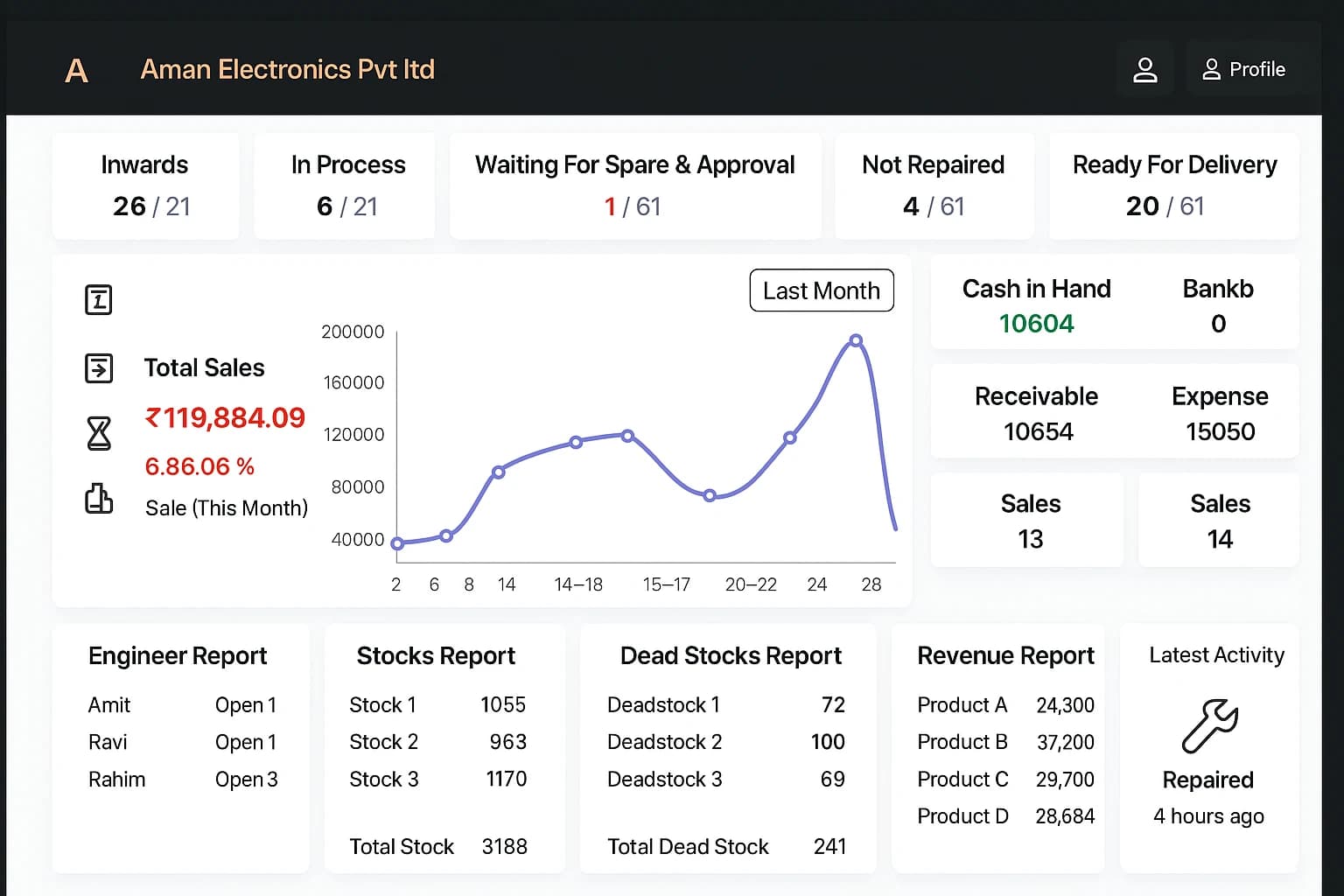
Review active jobs, sales, receivables, expenses, inventory and team activity from one screen.
Create accurate invoices, record payments and keep every transaction connected to the customer and job.
Keep customers informed with organized service history and timely repair-status updates.
Command center
CRMJIO brings repair status, sales, cash flow, stock and technician activity together so owners can act without switching between spreadsheets and disconnected tools.
Jobsheet Management
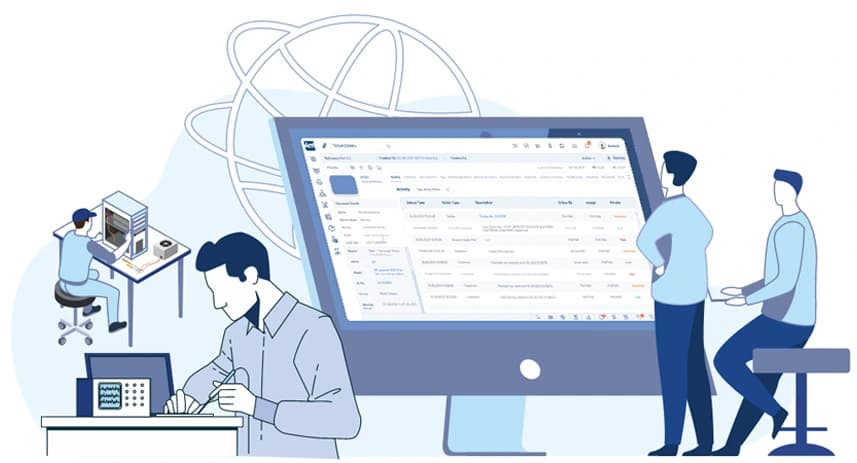
Create detailed job sheets in under 60 seconds. Assign technicians, record the fault, and keep the latest repair status available to the entire team and the customer.
Invoice & Billing
Connect services, parts, taxes and payments to the same repair record. Generate professional, tax-compliant invoices in multiple currencies instantly.

Integrations
Automate your workflow by integrating CRMJIO with popular platforms. Send automated WhatsApp updates, connect payment gateways like Stripe & Square, and sync with accounting software.
Business Profile Page
Get a dedicated, SEO-friendly online profile page for your shop. Let customers find you easily, view your services, check your ratings, and book repairs directly online.
Video overview
This outline makes the product tour easy to review and gives search engines clear context about the video shown on this page.
A repair shop owner opens CRMJIO and sees current jobs, business totals and items that need attention.
New repair tickets capture customer, device, fault and technician information in one structured record.
Each job moves through clear repair stages so the front desk and technicians share the same status.
Inventory, billing and payment information stay connected to the repair instead of living in separate tools.
Reports help the owner understand sales, expenses, stock and team performance from a single dashboard.
Start your free trial or book a guided demo for your team. No credit card is required to get started.